
Early access — free
Edit every photograph. Keep every original.
TK Retratos is a photo library and RAW editor that runs in your browser. Each change is saved as a small recipe beside your file, so the photograph you shot is never altered.
Free during early access, with 5 GB of private storage.
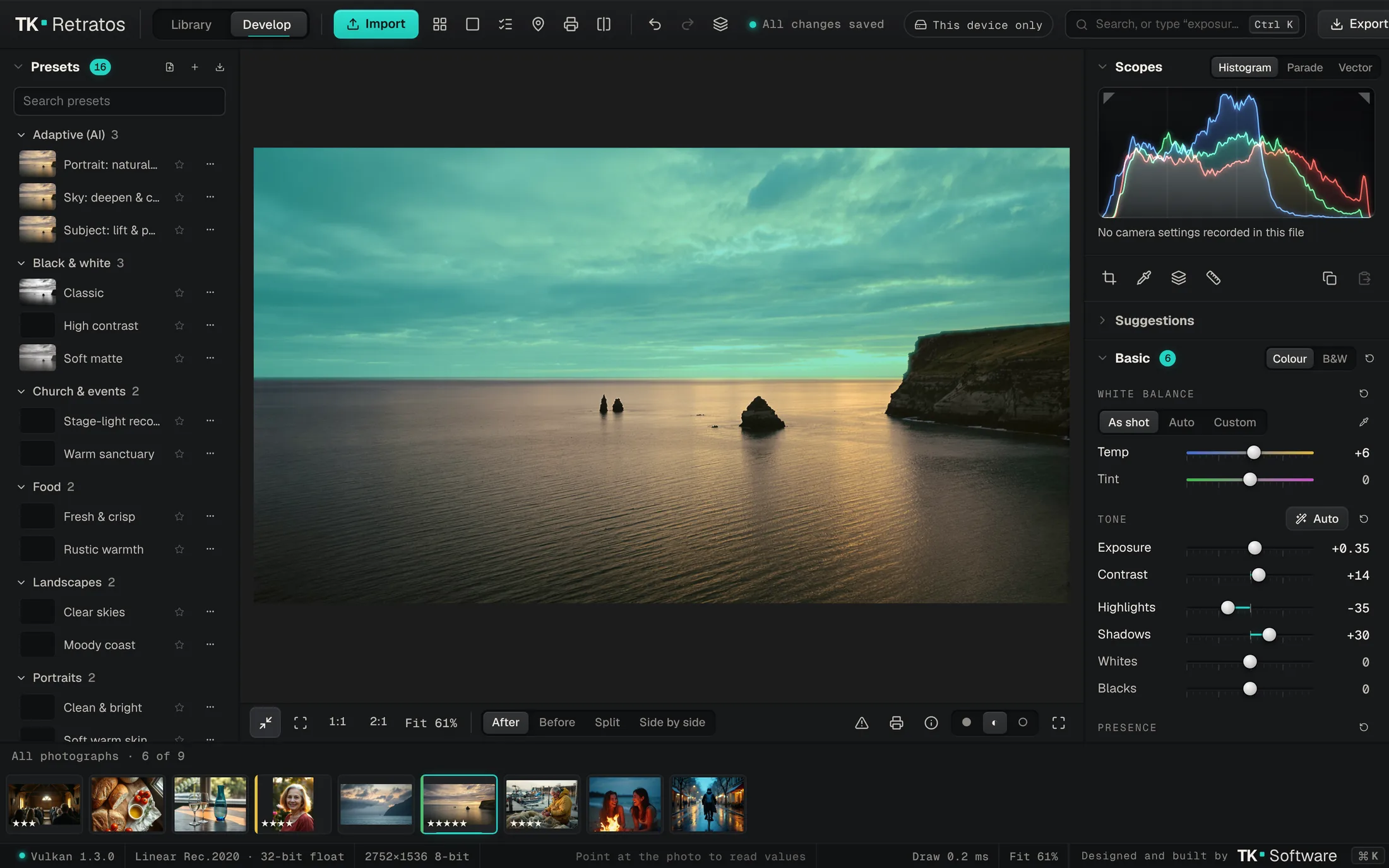
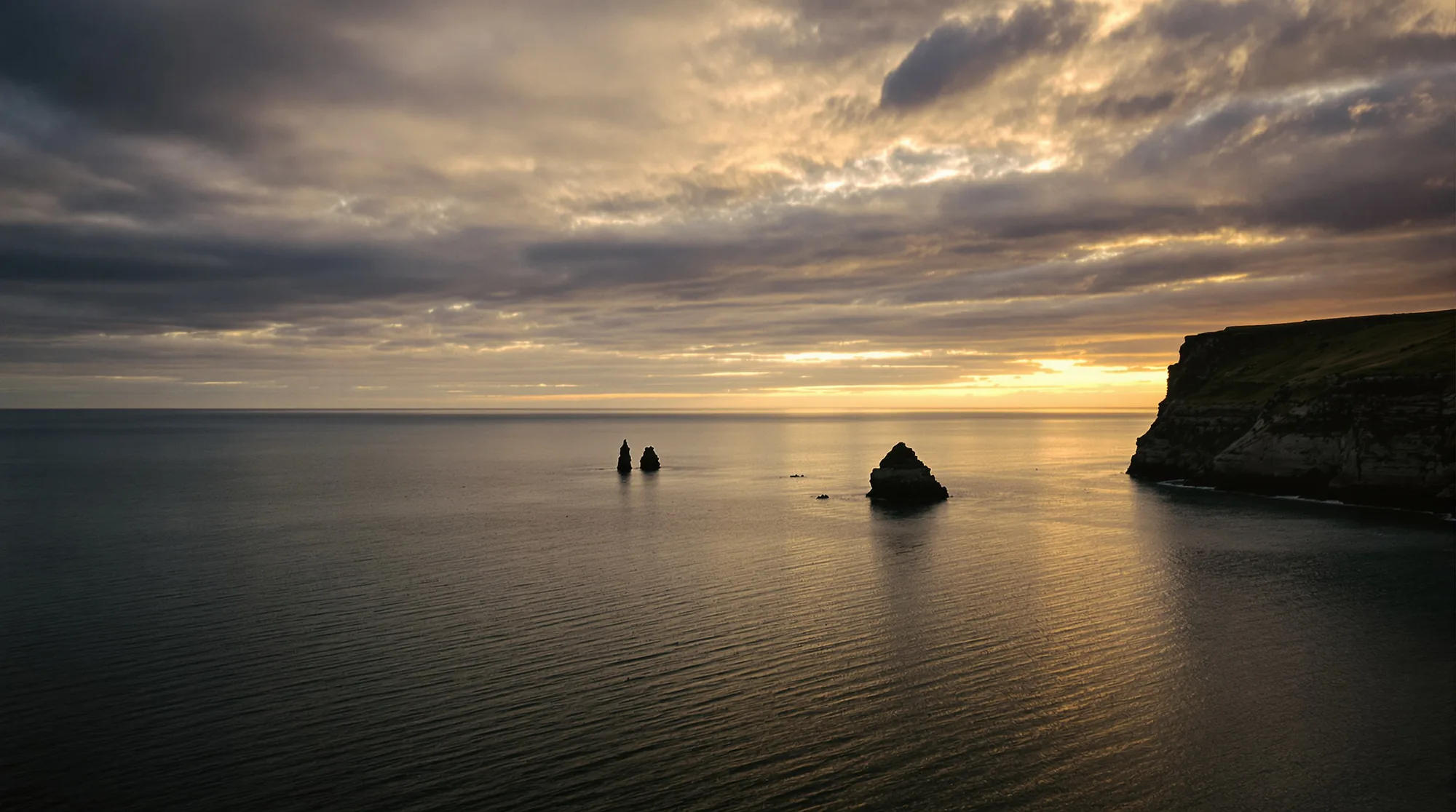 Original — untouched
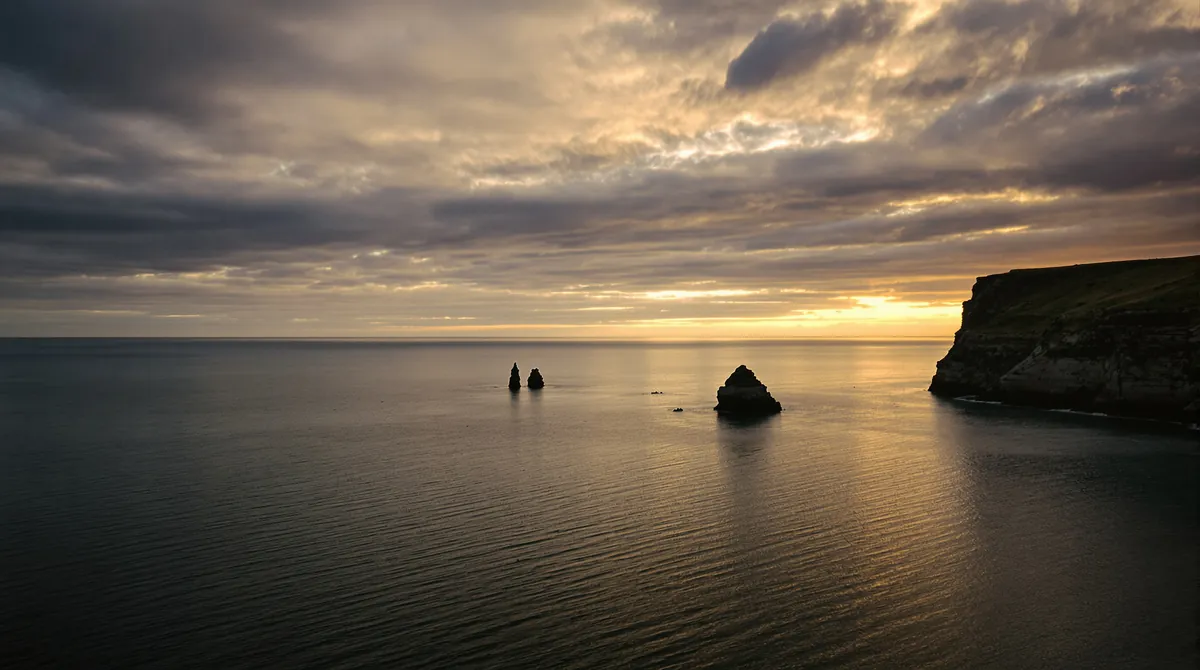
Your edit
{}coast.jpg, 2752 × 1536, not modified
The darkroom never touched the negative.
A print was made from the negative as often as you liked, and the negative went back in its sleeve. TK Retratos works the same way. Your file is the negative. Every adjustment is an instruction in a recipe, applied fresh each time the photo is shown, exported or printed.
- Undo any step, at any time. History, snapshots and virtual copies are kept.
- Copy a look to a whole shoot, or sync it while you edit.
- Export the original together with its recipe whenever you like.
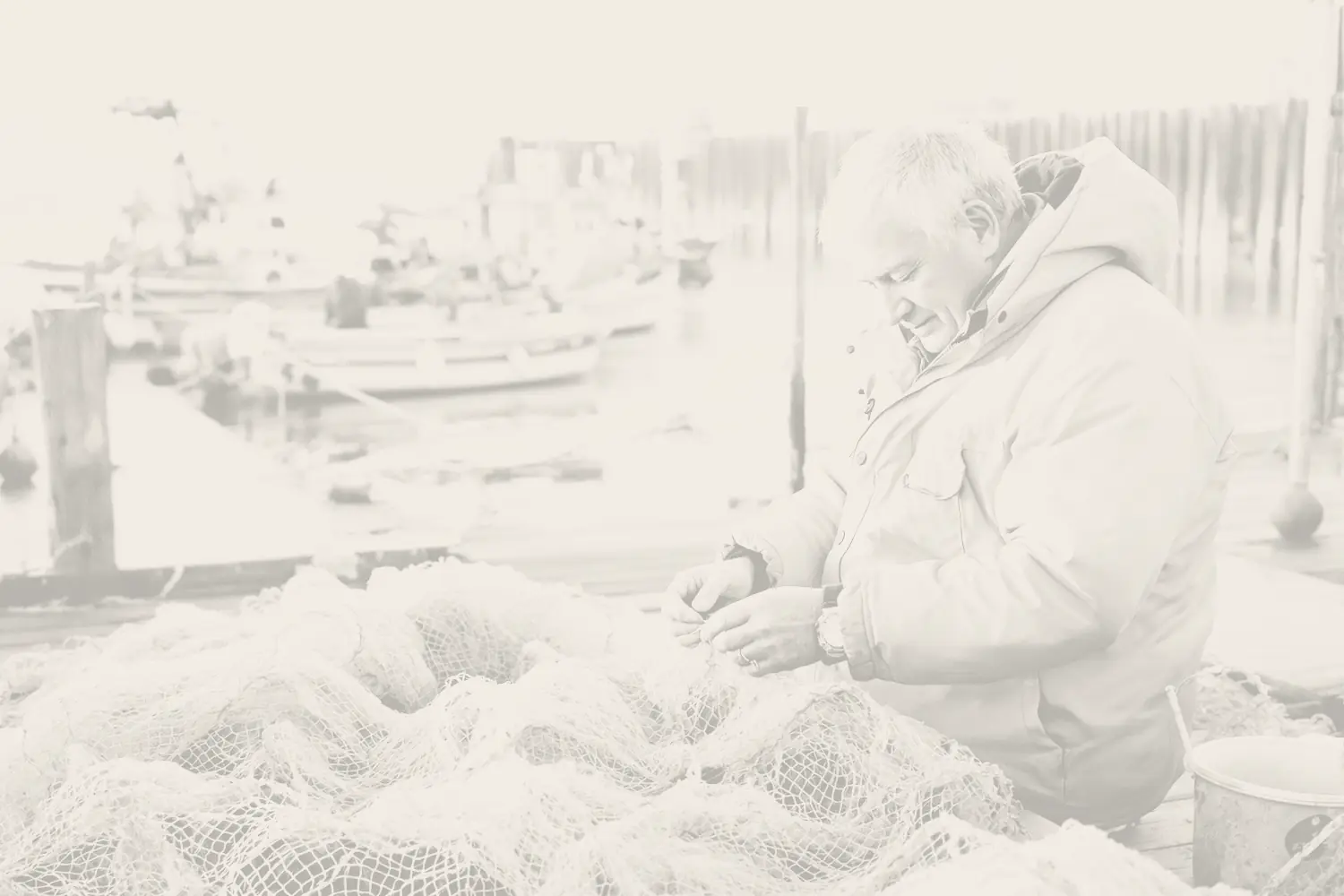
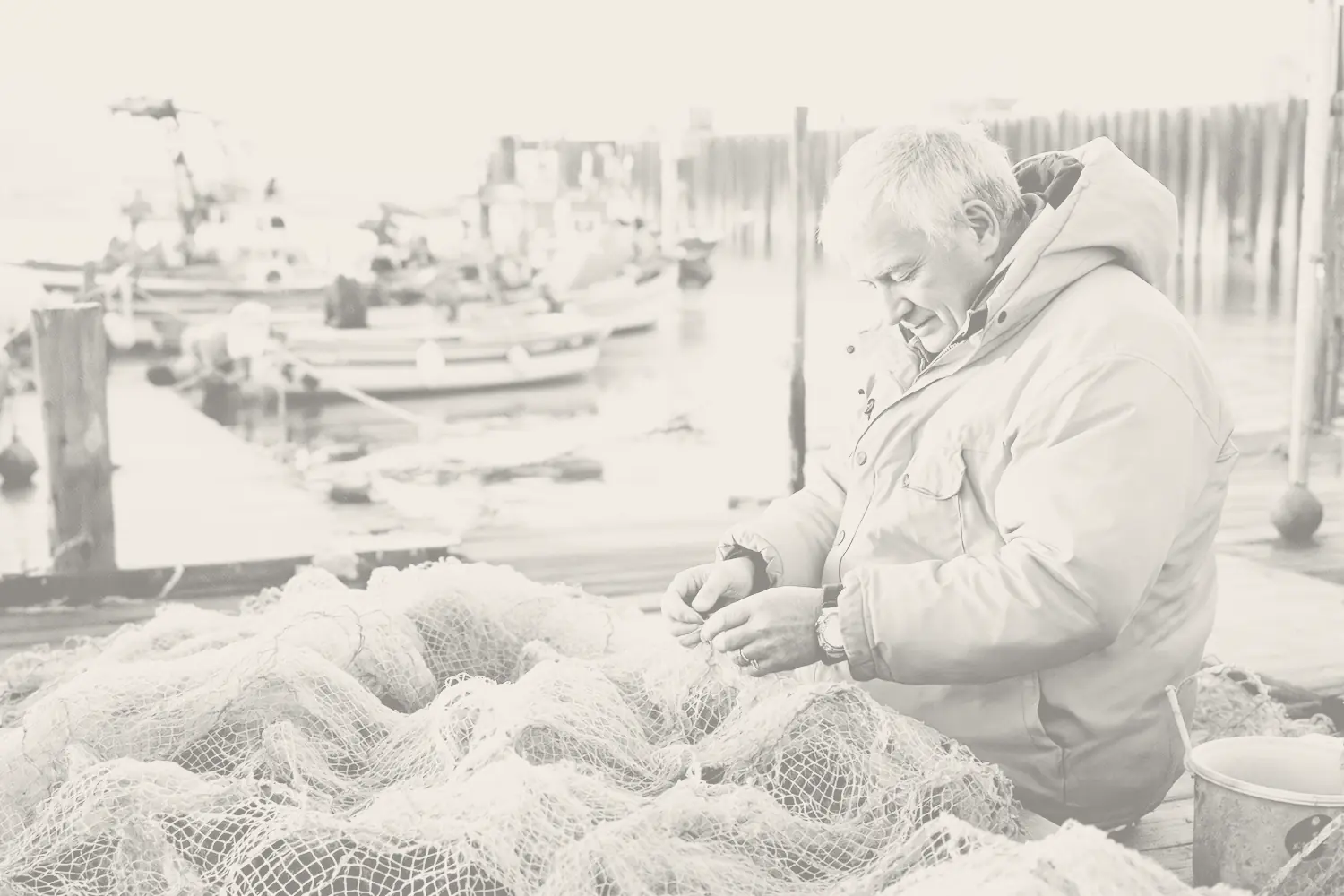
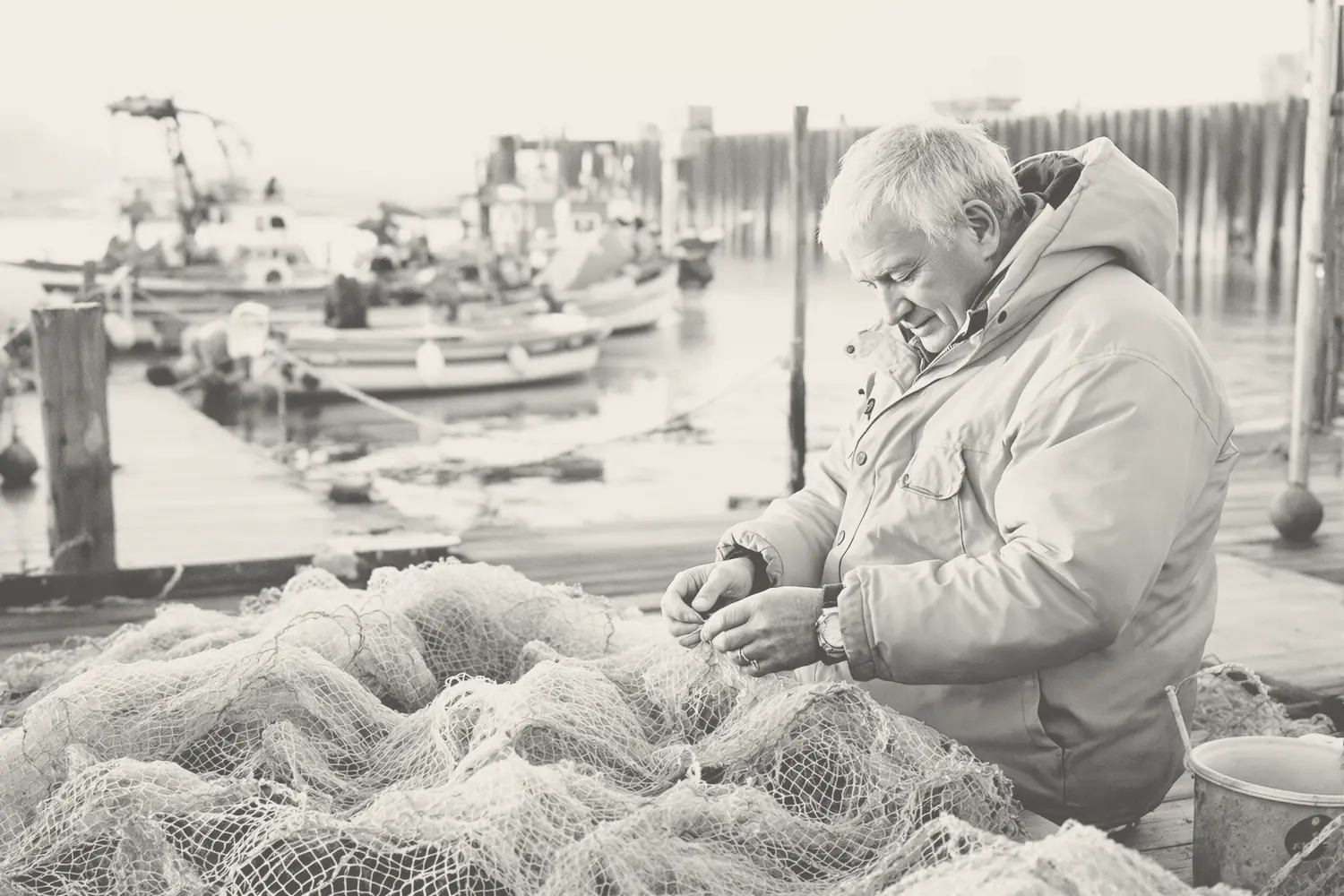
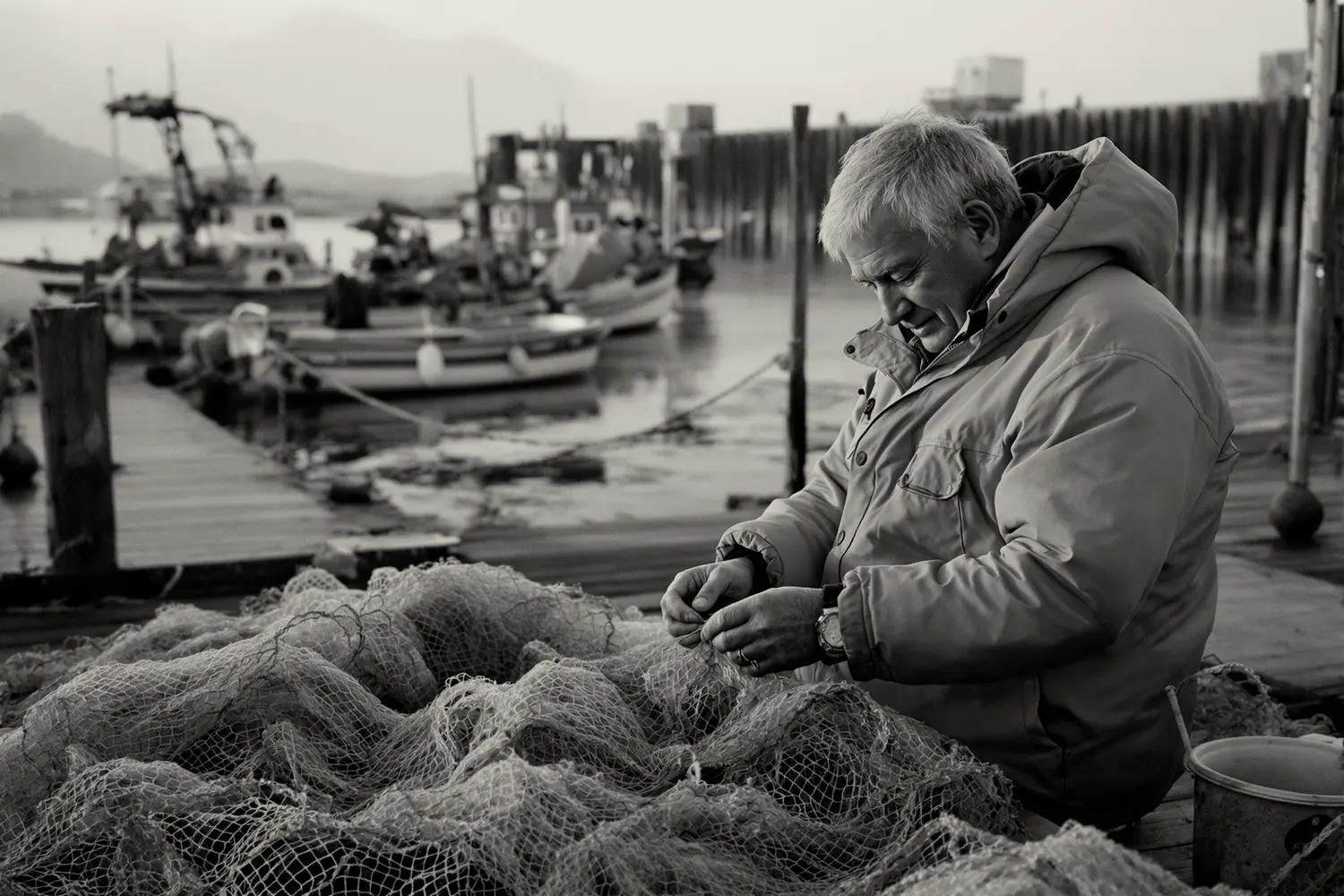
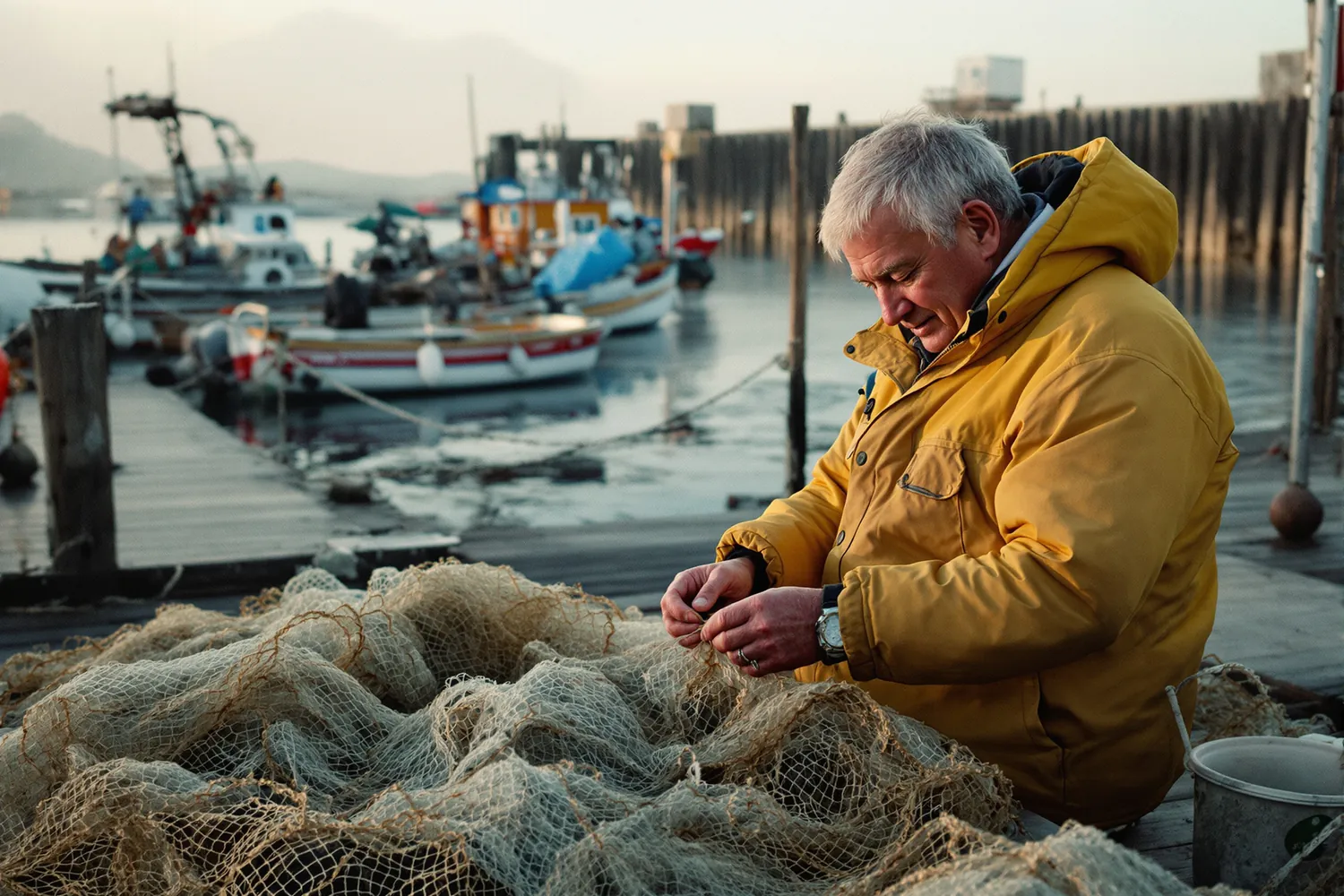
- Developer
- Stop bath
- Fixer
- Lights on
One photograph, from memory card to client.
-
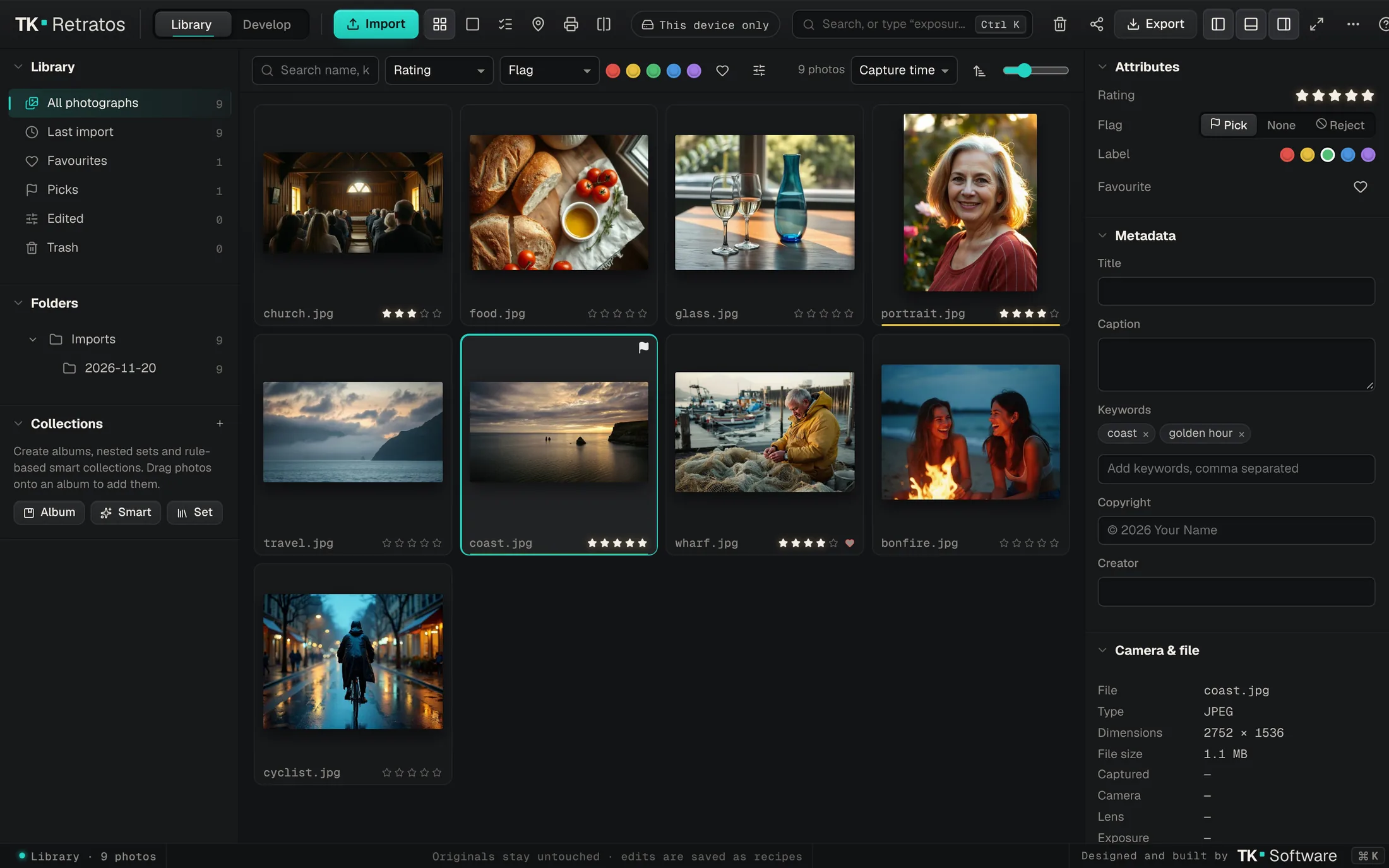
Import
Bring in a card’s worth of JPEG, HEIC, TIFF or camera RAW. Ratings, flags, colour labels, keywords, albums and smart collections keep a big library easy to search.
-
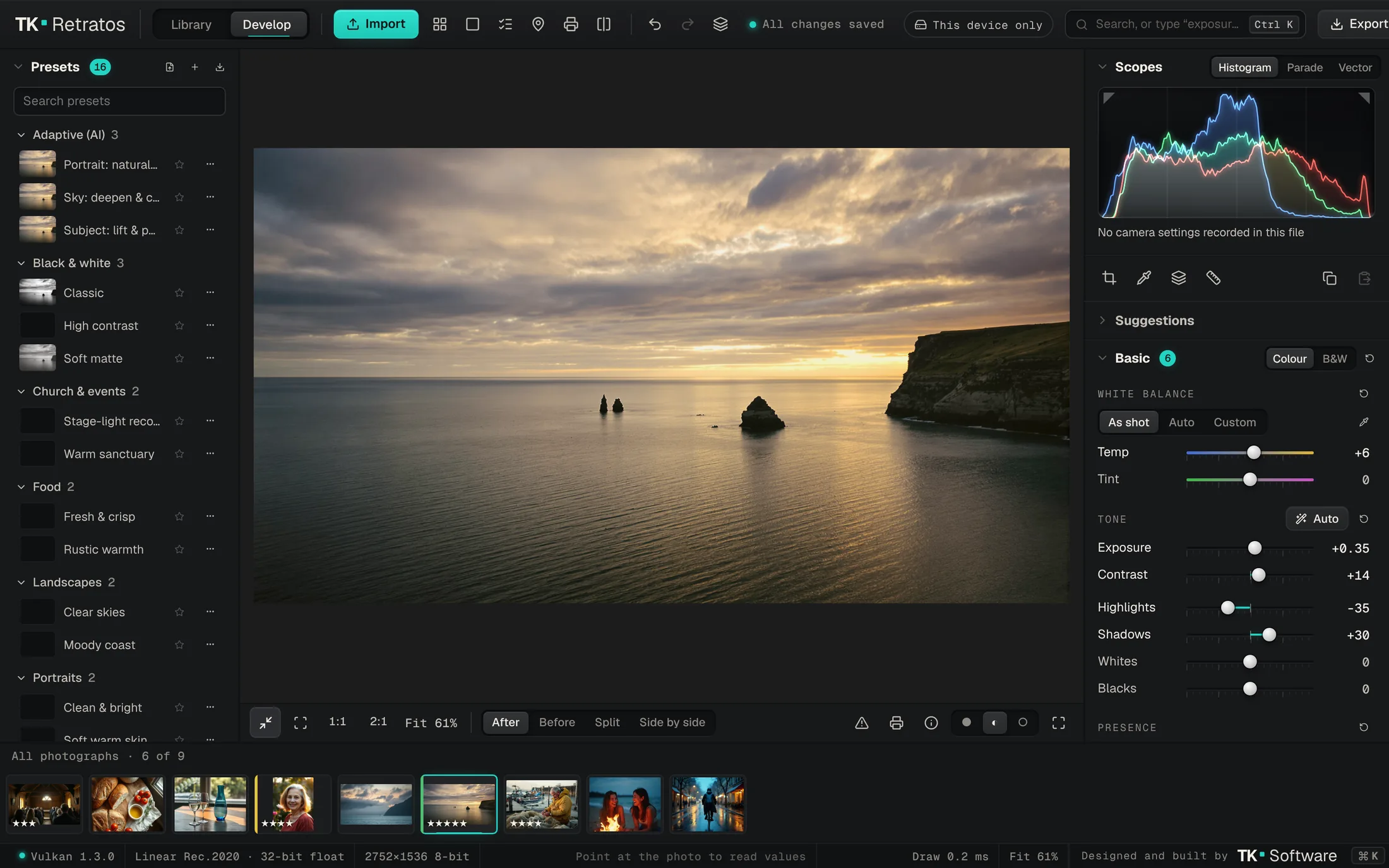
Develop
RAW files from Canon, Nikon, Sony, Fujifilm and more are developed in the browser with LibRaw, in a wide Rec.2020 linear working space, with Lensfun lens corrections. Then exposure, tone, curves, colour mixer, grading, detail and effects.
-
Select the sky, on your device
One click selects the subject, sky, people, objects, hair or skin. Remove distractions, denoise, enlarge, or blur the background by depth. The AI runs on your own device, so the photograph is never uploaded for it.
-
Print it, or make a book
Print layouts use real paper sizes and check resolution before you commit. Soft-proof against your printer’s ICC profile. Photo books export as print-ready PDF with bleed. Contact sheets, slideshows and web galleries too.
-
Share a private gallery
Send a client a link that expires, can be revoked and can carry a password. They mark favourites and leave comments. Location and camera details are removed unless you choose to include them.
Find the keepers sooner.
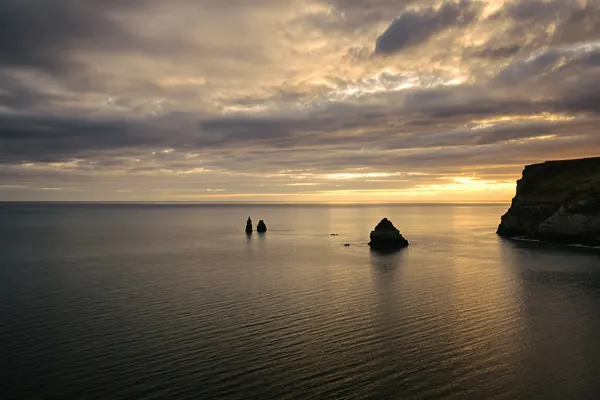
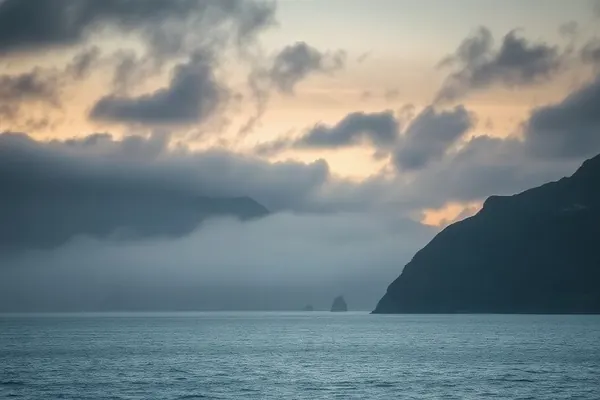
Assisted culling looks through a shoot for soft focus, closed eyes and near-identical frames, and marks them. It suggests; you decide.
 1Pick
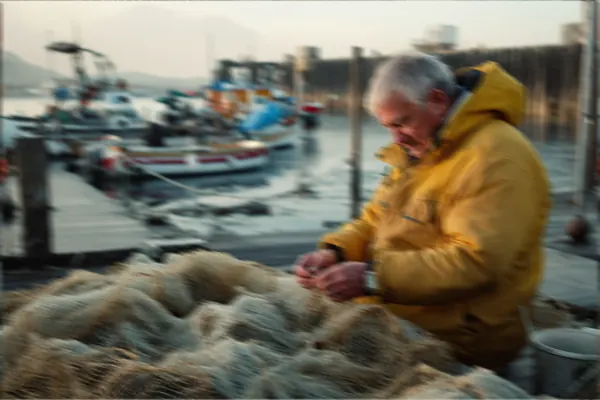 2Blurry
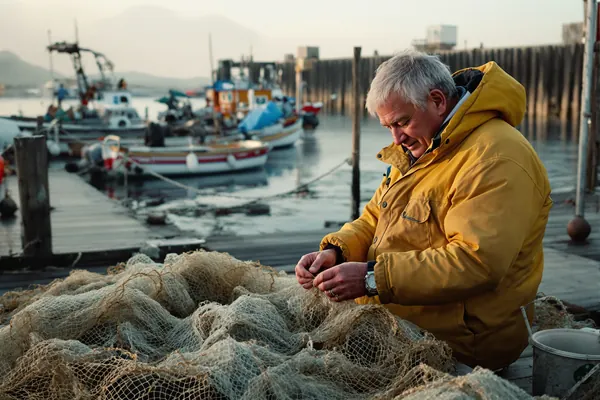 3Pick
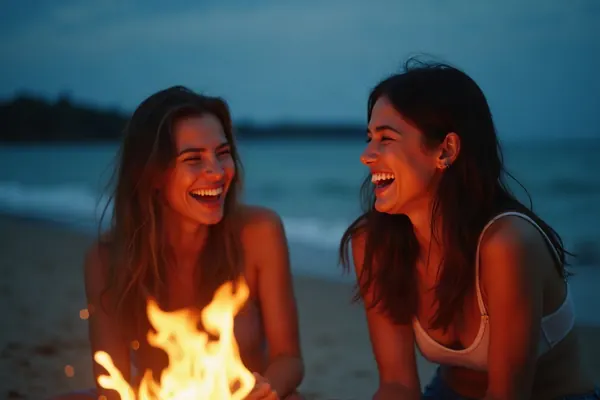 4Eyes closed
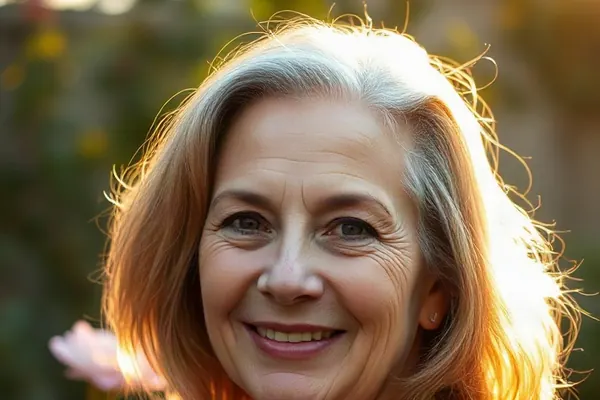 5
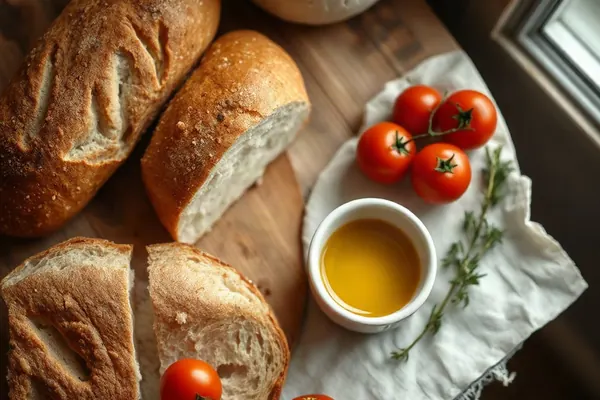 6
 7Similar to 6
 8Pick
 9
 10
 11
Checks for sharpness, open eyes and similar frames run on your device. Picks stay yours to make.
A full studio, in a browser tab.
Install it like an app on Mac, Windows or iPad. It keeps working offline.
Develop
- Exposure, tone and curves
- Colour mixer and colour grading
- Detail and effects
- Masks: brush, linear, radial, colour and luminance range
- Presets, including Lightroom XMP and .lrtemplate
- Before and after, snapshots, virtual copies
RAW and colour
- Camera RAW developed in the browser
- Rec.2020 linear working space
- Lens corrections from Lensfun
- Soft proofing
- Colour-managed export with ICC profiles
- 16-bit TIFF and watermarks
AI on your device
- Select subject, sky, people, objects, hair and skin
- Remove distractions
- AI denoise and super resolution
- Depth lens blur
- Assisted culling
- Optional Claude suggestions through your own server
Merge
- HDR merge from brackets
- Panorama stitching
Sync and offline
- Sync across devices with your private server
- Works offline; albums kept offline
- Conflicts never overwrite
Share
- Private client galleries
- Links that expire, can be revoked, or need a password
- Favourites and comments
- GPS and camera data removed by default
Print and present
- Contact sheets
- Print layouts with real paper sizes and resolution checks
- Photo books as print-ready PDF with bleed
- Slideshows with video export
- Web galleries and a map of where photos were taken
Where it runs
- Mac, Windows and iPad
- Current Chrome, Edge, Firefox and Safari
- Installable, like an app
- Native iPad app: coming soon
Built on open work
Every library and model was checked for its licence before it went in. Models with non-commercial licences were left out.
- LibRaw
- Little CMS
- Lensfun
- ONNX Runtime
- MediaPipe
- BiRefNet
- Depth Anything V2
- LaMa
- SCUNet
- Real-ESRGAN
Your photographs stay yours.
Your library lives on your devices and on your own private TK Retratos server. It isn’t training data, and it isn’t for sale.
- No uploads for AI
- Selection, removal, denoise, enlargement and culling run on your device.
- Nothing overwritten
- If the same setting changes on two devices before they sync, you choose which to keep, or keep both.
- Shared without a trail
- Gallery links leave out GPS and camera data unless you add it back.
- Checked on arrival
- Uploads resume where they stopped, and every original is verified by its SHA-256 before the server accepts it.
- Claude, only when you ask
- Optional suggestions go through your own server, after you agree and see the cost. The browser never holds the key.
- Leave whenever you like
- Export originals together with their recipes at any time.
Questions, answered.
What does it cost?
Nothing during early access. Every free account comes with 5 GB of private storage.
Will TK Retratos change my original files?
No. Originals are kept exactly as you imported them. Your edits live in a separate recipe, so you can undo, copy or delete them without touching the file.
Where are my photos kept?
Each device keeps a working copy, so editing is instant and works offline. Your account syncs originals, ratings, keywords and recipes to your private TK Retratos server. Changes made offline wait and sync when you’re back online.
Can I run my own server?
Yes. TK Retratos Server runs on a Mac mini and needs only Node.js: no database server, no Docker. Reach it securely from anywhere through Cloudflare Tunnel or Tailscale.
Is my photo sent anywhere for AI?
Not for selection, removal, denoise, super resolution, depth blur or culling: those run on your device. Claude suggestions are optional, go through your own server, and only run after you agree.
Which cameras and file types work?
JPEG, PNG, WebP, AVIF, HEIC and TIFF up to 32-bit, plus RAW from Canon (CR2, CR3), Nikon, Sony, Fujifilm, OM System and Olympus, Panasonic, Pentax, Samsung and DNG, developed with LibRaw.
Can I bring my Lightroom presets?
Yes. Import XMP and .lrtemplate presets, and a compatibility report shows how each setting was translated.
What do I need to use it?
A current version of Chrome, Edge, Firefox or Safari (16.4 or later) on a Mac, a Windows PC or an iPad. Install it from the browser to use it like an app. A native iPad app is in development.
Start with your photographs.
Free during early access. 5 GB of private storage, and your originals never change.